Takes separate specifications of hue, value and chroma and returns the text specification of that colour.
hvc2mnsl(hue, value = NULL, chroma = NULL, ...)Arguments
- hue
a character vector of Munsell hues, or a 3 column data frame containing the hue value and chroma levels
- value
a numeric vector of values
- chroma
a numeric vector of chromas
- ...
passed on to
check_mnsl. Usefix = TRUEto fix "bad" colours
Value
a character string specification of a hex colour
Details
Munsell colours are specified by hue, value and chroma. They take a form like "5PB 5/10" where the first characters represent the hue, followed by a space then the value and chroma separated by a "/". In this package value should be an integer in 0:10 and chroma an even number at most 24. Note that not all possible specifications result in representable colours. Regular recycling rules apply.
See also
Examples
hvc2mnsl("5PB", 5, 10)
#> [1] "5PB 5/10"
# All values of 5PB with chroma 10
hvc2mnsl("5PB", 1:9, 10) # note some are undefined
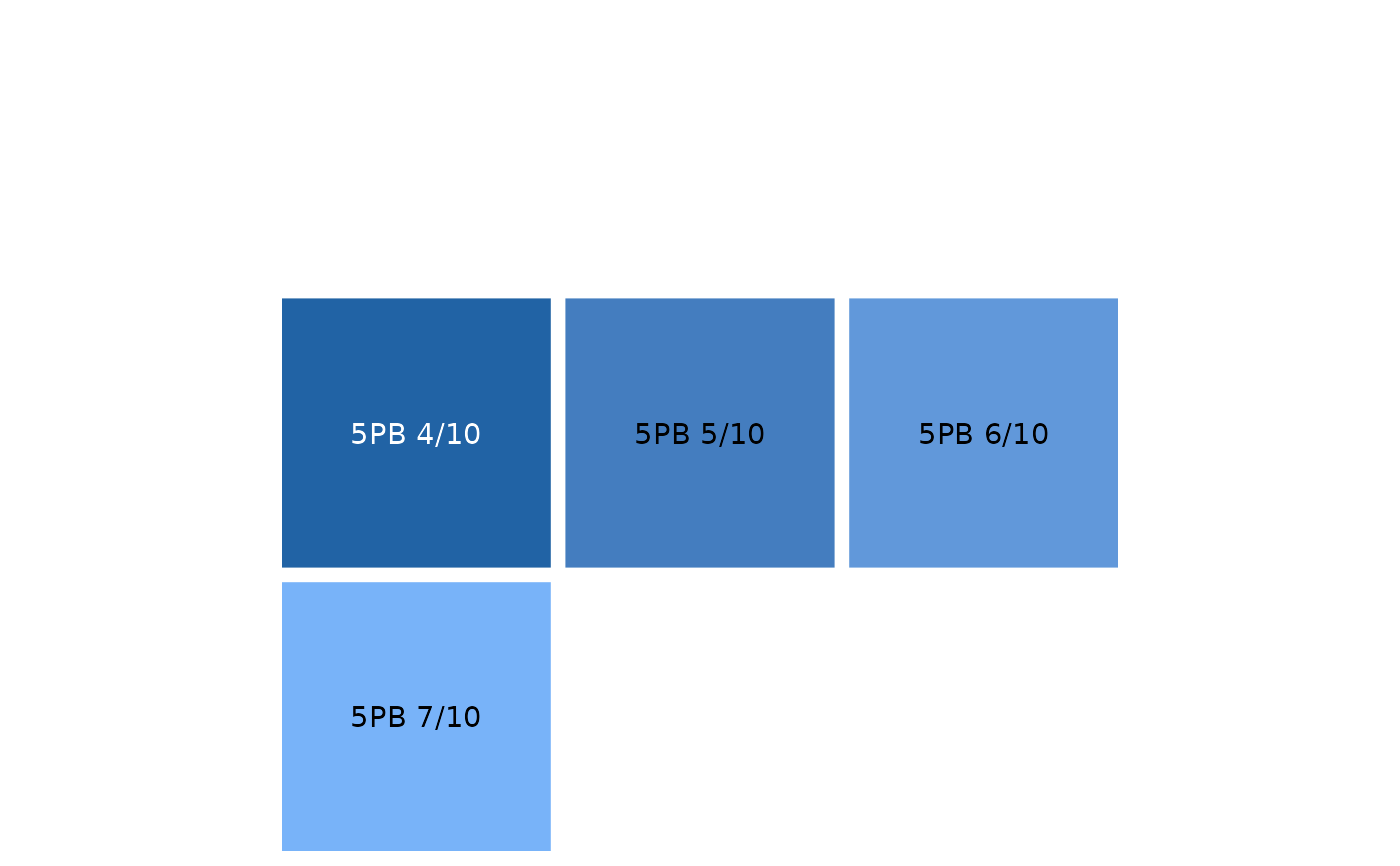
#> [1] "5PB 1/10" "5PB 2/10" "5PB 3/10" "5PB 4/10" "5PB 5/10" "5PB 6/10" "5PB 7/10"
#> [8] "5PB 8/10" "5PB 9/10"
plot_mnsl(hvc2mnsl("5PB", 1:9, 10))
#> Warning: some specified colours are undefined. You could try fix = TRUE