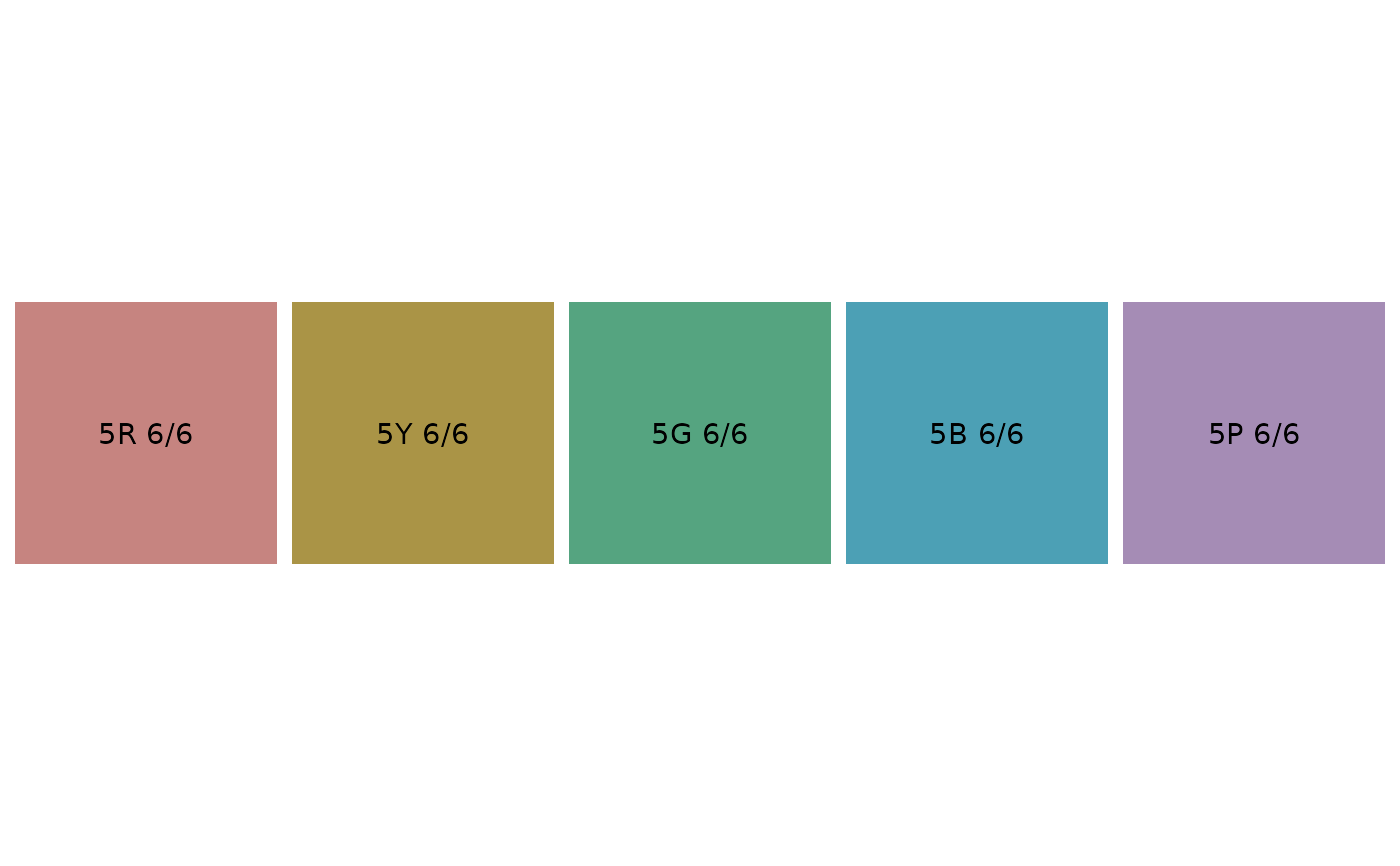
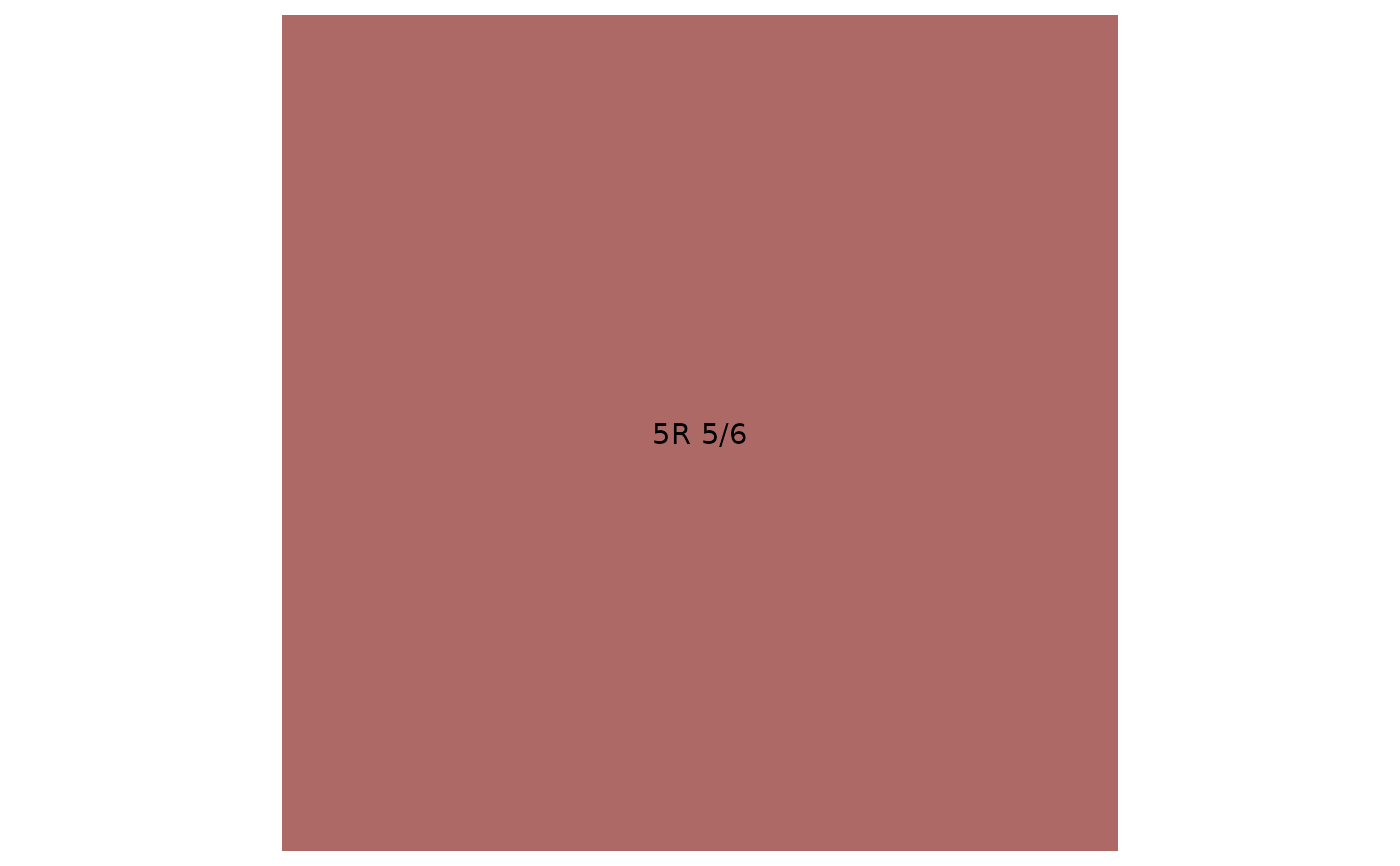
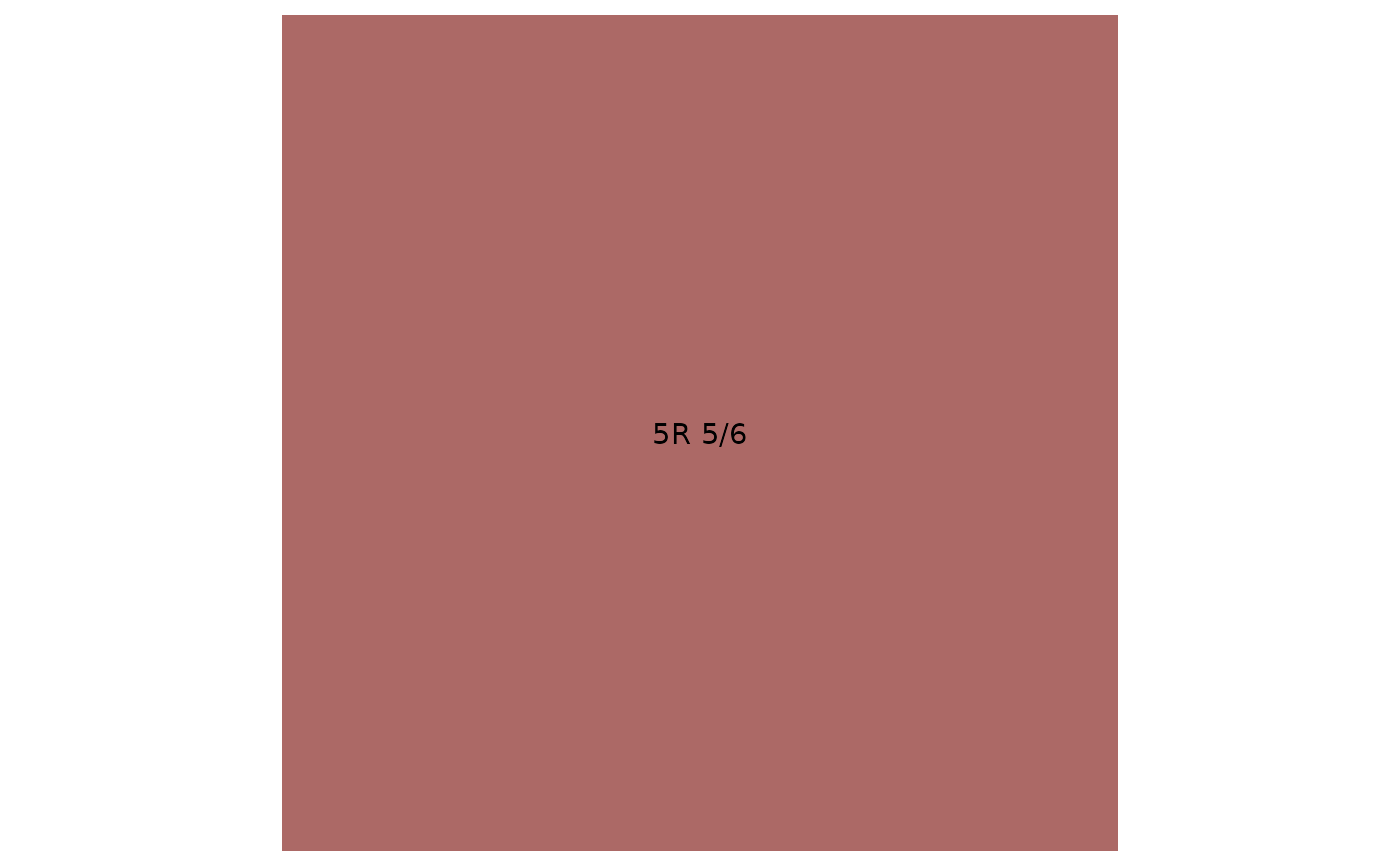
Takes munsell text specifications and plots colour squares of them.
plot_mnsl(cols, back.col = "white", ...)Arguments
- cols
character vector specifying colours in Munsell form
- back.col
specification of background colour of display
- ...
passed to
check_mnsl. Add fix = TRUE to fix "bad" colours()
Value
A ggplot object
Examples
plot_mnsl("5R 5/6")
 plot_mnsl("5R 5/6", back.col = "grey40")
 p <- plot_mnsl(c("5R 6/6", "5Y 6/6", "5G 6/6", "5B 6/6", "5P 6/6"),
back.col = "grey40")
p
p <- plot_mnsl(c("5R 6/6", "5Y 6/6", "5G 6/6", "5B 6/6", "5P 6/6"),
back.col = "grey40")
p
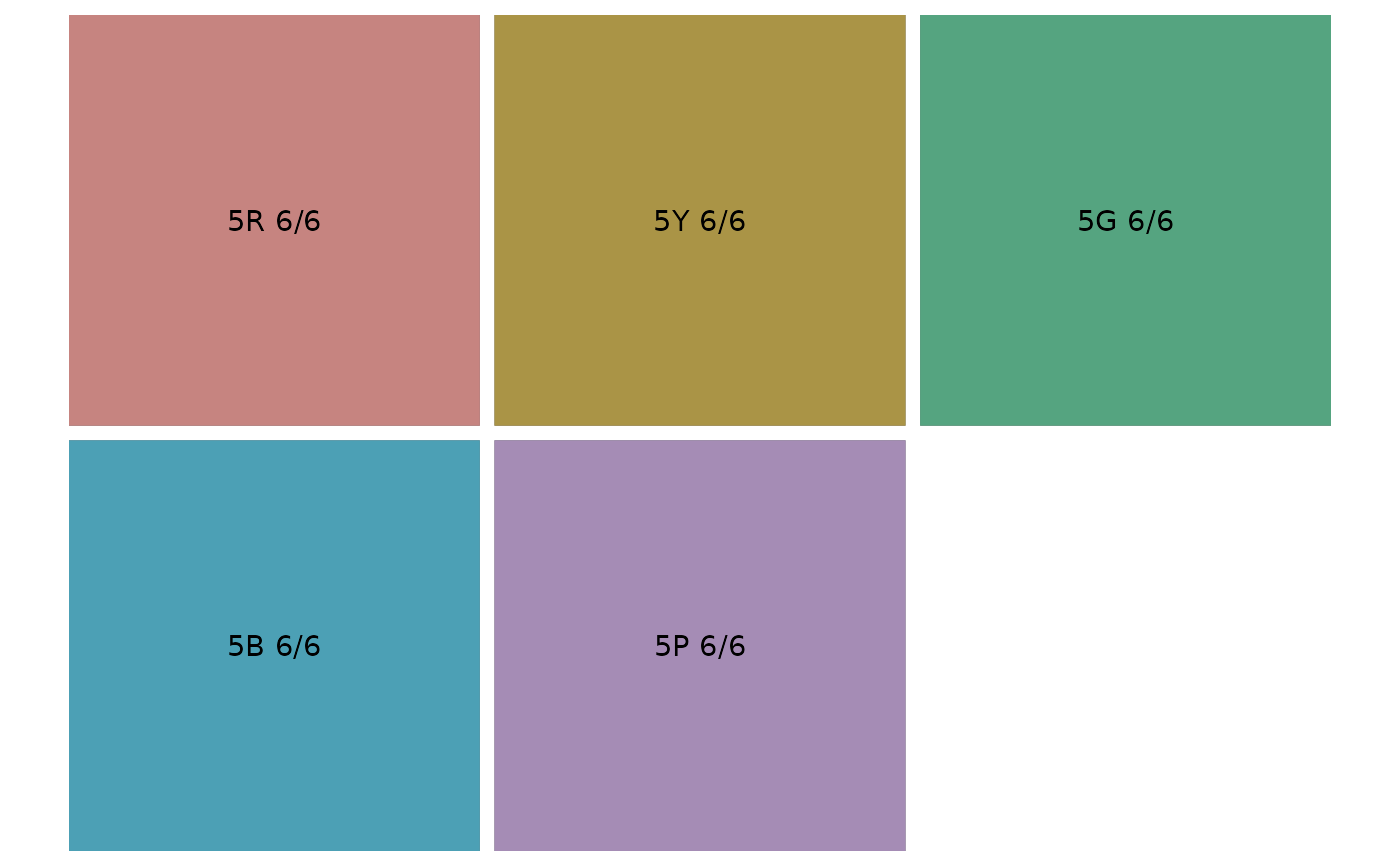 # returned object is a ggplot object so we can alter the layout
summary(p)
#> data: num, names, hex, x, y, labels [5x6]
#> mapping: x = ~x, y = ~y
#> scales: x, xmin, xmax, xend, xintercept, xmin_final, xmax_final, xlower, xmiddle, xupper, x0, y, ymin, ymax, yend, yintercept, ymin_final, ymax_final, lower, middle, upper, y0, fill, colour
#> faceting: ~num
#> -----------------------------------
#> mapping: fill = ~hex
#> geom_tile: na.rm = FALSE, lineend = butt, linejoin = mitre
#> stat_identity: na.rm = FALSE
#> position_identity
#>
#> mapping: label = ~labels, colour = ~text_colour(as.character(names))
#> geom_text: na.rm = FALSE, parse = FALSE, check_overlap = FALSE, size.unit = mm
#> stat_identity: na.rm = FALSE
#> position_nudge
#>
p + ggplot2::facet_wrap(~ num, nrow = 1)
# returned object is a ggplot object so we can alter the layout
summary(p)
#> data: num, names, hex, x, y, labels [5x6]
#> mapping: x = ~x, y = ~y
#> scales: x, xmin, xmax, xend, xintercept, xmin_final, xmax_final, xlower, xmiddle, xupper, x0, y, ymin, ymax, yend, yintercept, ymin_final, ymax_final, lower, middle, upper, y0, fill, colour
#> faceting: ~num
#> -----------------------------------
#> mapping: fill = ~hex
#> geom_tile: na.rm = FALSE, lineend = butt, linejoin = mitre
#> stat_identity: na.rm = FALSE
#> position_identity
#>
#> mapping: label = ~labels, colour = ~text_colour(as.character(names))
#> geom_text: na.rm = FALSE, parse = FALSE, check_overlap = FALSE, size.unit = mm
#> stat_identity: na.rm = FALSE
#> position_nudge
#>
p + ggplot2::facet_wrap(~ num, nrow = 1)