Regular polygon patterned grobs
Source:R/pattern-geometry-regular_polygon.R
grid.pattern_regular_polygon.Rdgrid.pattern_regular_polygon() draws a regular polygon pattern onto the graphic device.
grid.pattern_regular_polygon(
  x = c(0, 0, 1, 1),
  y = c(1, 0, 0, 1),
  id = 1L,
  ...,
  colour = gp$col %||% "grey20",
  fill = gp$fill %||% "grey80",
  angle = 30,
  density = 0.2,
  spacing = 0.05,
  xoffset = 0,
  yoffset = 0,
  units = "snpc",
  scale = 0.5,
  shape = "convex4",
  grid = "square",
  type = NULL,
  subtype = NULL,
  rot = 0,
  alpha = gp$alpha %||% NA_real_,
  linetype = gp$lty %||% 1,
  linewidth = size %||% gp$lwd %||% 1,
  size = NULL,
  default.units = "npc",
  name = NULL,
  gp = gpar(),
  draw = TRUE,
  vp = NULL
)
Arguments
- x
A numeric vector or unit object specifying x-locations of the pattern boundary.
- y
A numeric vector or unit object specifying y-locations of the pattern boundary.
- id
A numeric vector used to separate locations in x, y into multiple boundaries. All locations within the same
idbelong to the same boundary.- ...
Currently ignored.
- colour
Stroke colour(s).
- fill
Fill colour(s) or
grid::pattern()/ gradient object(s).- angle
Rotation angle in degrees.
- density
Approx. fraction of area the pattern fills.
- spacing
Spacing between repetitions of pattern (in
unitsunits).- xoffset
Shift pattern along x axis (in
unitsunits).- yoffset
Shift pattern along y axis (in
unitsunits).- units
grid::unit()units forspacing,xoffset, andyoffsetparameters.- scale
For star polygons, multiplier (between 0 and 1) applied to exterior radius to get interior radius.
- shape
Either "convex" or "star" followed by the number of exterior vertices or alternatively "circle", "square", "null", "rhombille_rhombus", "tetrakis_left", or "tetrakis_right". For example "convex5" corresponds to a pentagon and "star6" corresponds to a six-pointed star. The "square" shape is larger than the "convex4" shape and is rotated an extra 45 degrees, it can be used to generate a multi-colored “checkers” effect when density is 1. The "null" shape is not drawn, it can be used to create holes within multiple-element patterns. The "rhombille_rhombus" shape draws a rhombus while the "tetrakis_left" or "tetrakis_right" shapes draw an isosceles right triangle. These latter three non-regular-polygon shapes are intended to help generate rhombille and tetrakis square tilings.
- grid
Adjusts placement and density of certain graphical elements.
"square"(default) is a square grid."hex"is a hexagonal grid suitable for hexagonal and triangular tiling."hex_circle"is a hexagonal grid suitable for circle packing."elongated_triangle"is a grid used for the "elongated triangle" tiling.- type
Adjusts the repeating of certain aesthetics such as color. Can use any type in
names_hex,names_square, ornames_weave. See forpattern_hex(),pattern_square(), andpattern_weave()for more information about supportedtypearguments.- subtype
See for
pattern_hex(),pattern_square(), andpattern_weave()for more information about supportedsubtypearguments.- rot
Angle to rotate regular polygon (degrees, counter-clockwise).
- alpha
Alpha (between 0 and 1) or
NA(default, preserves colors' alpha value).- linetype
Stroke linetype.
- linewidth
Stroke linewidth.
- size
For backwards compatibility can be used to set
linewidth.- default.units
A string indicating the default units to use if
xoryare only given as numeric vectors.- name
A character identifier.
- gp
An object of class
"gpar", typically the output from a call to the functiongpar. This is basically a list of graphical parameter settings.- draw
A logical value indicating whether graphics output should be produced.
- vp
A Grid viewport object (or NULL).
Value
A grid grob object invisibly. If draw is TRUE then also draws to the graphic device as a side effect.
See also
grid.pattern_circle() for a special case of this pattern.
The tiling vignette features more examples of regular polygon tiling using
this function vignette("tiling", package = "gridpattern").
Examples
x_hex <- 0.5 + 0.5 * cos(seq(2 * pi / 4, by = 2 * pi / 6, length.out = 6))
y_hex <- 0.5 + 0.5 * sin(seq(2 * pi / 4, by = 2 * pi / 6, length.out = 6))
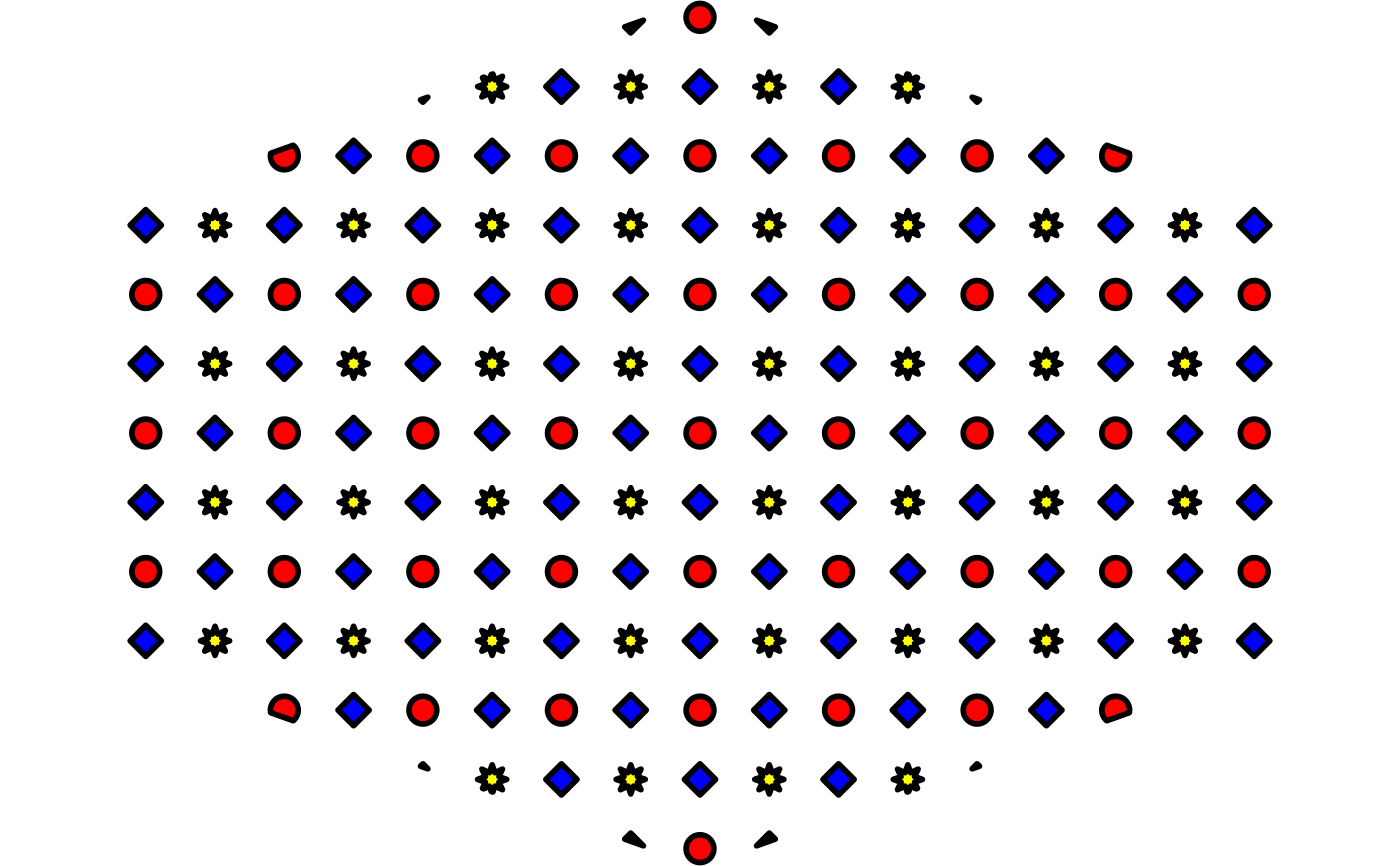
# 'density', 'rot', and 'shape' are vectorized
grid.pattern_regular_polygon(x_hex, y_hex, colour = "black",
fill = c("blue", "yellow", "red"),
shape = c("convex4", "star8", "circle"),
density = c(0.45, 0.42, 0.4),
spacing = 0.08, angle = 0)
 # checker pattern using "square" shape
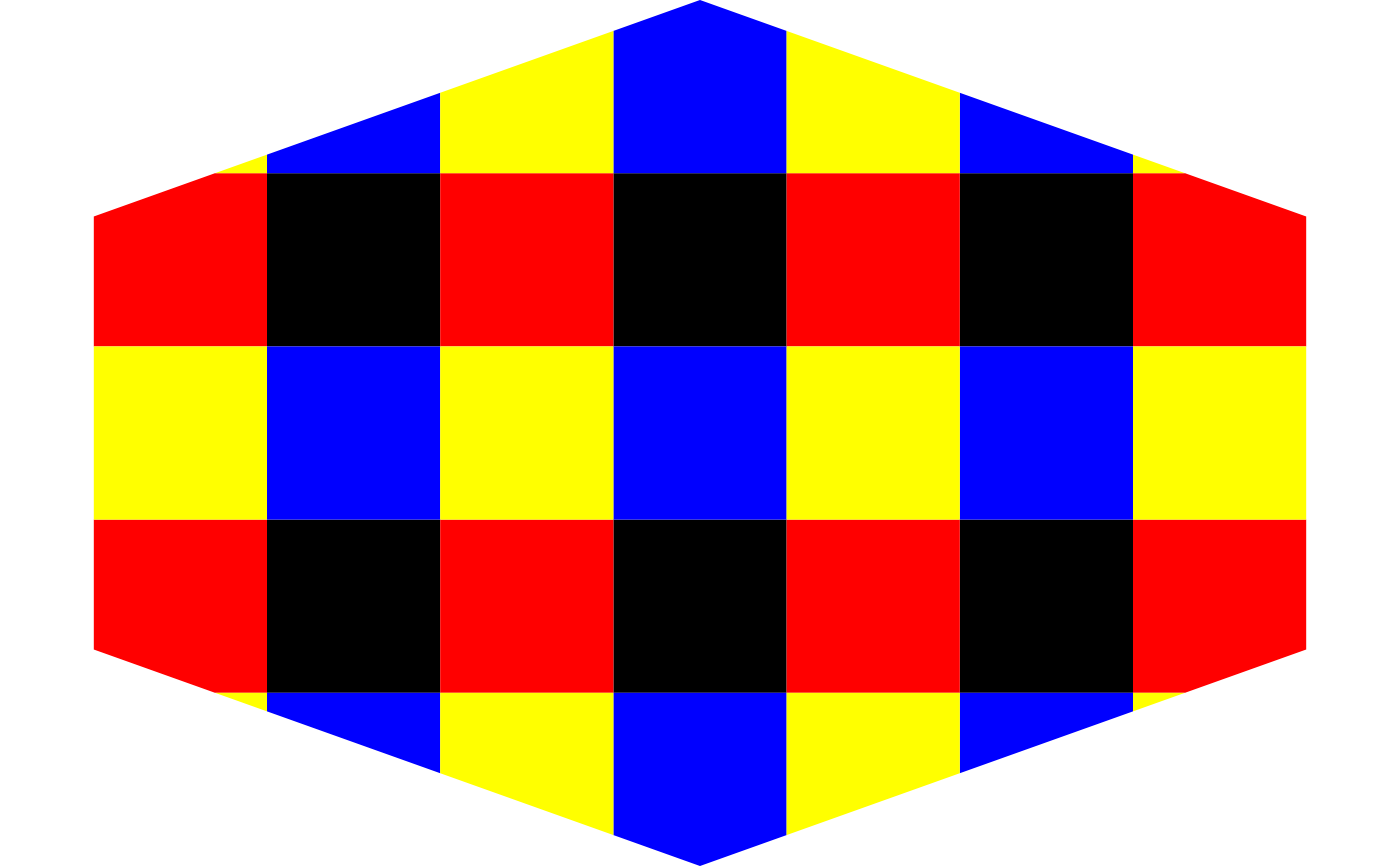
grid::grid.newpage()
grid.pattern_regular_polygon(x_hex, y_hex, shape = "square",
colour = "transparent",
fill = c("black", "red", "blue", "yellow"),
angle = 0, density = 1.0, spacing = 0.2)
# checker pattern using "square" shape
grid::grid.newpage()
grid.pattern_regular_polygon(x_hex, y_hex, shape = "square",
colour = "transparent",
fill = c("black", "red", "blue", "yellow"),
angle = 0, density = 1.0, spacing = 0.2)
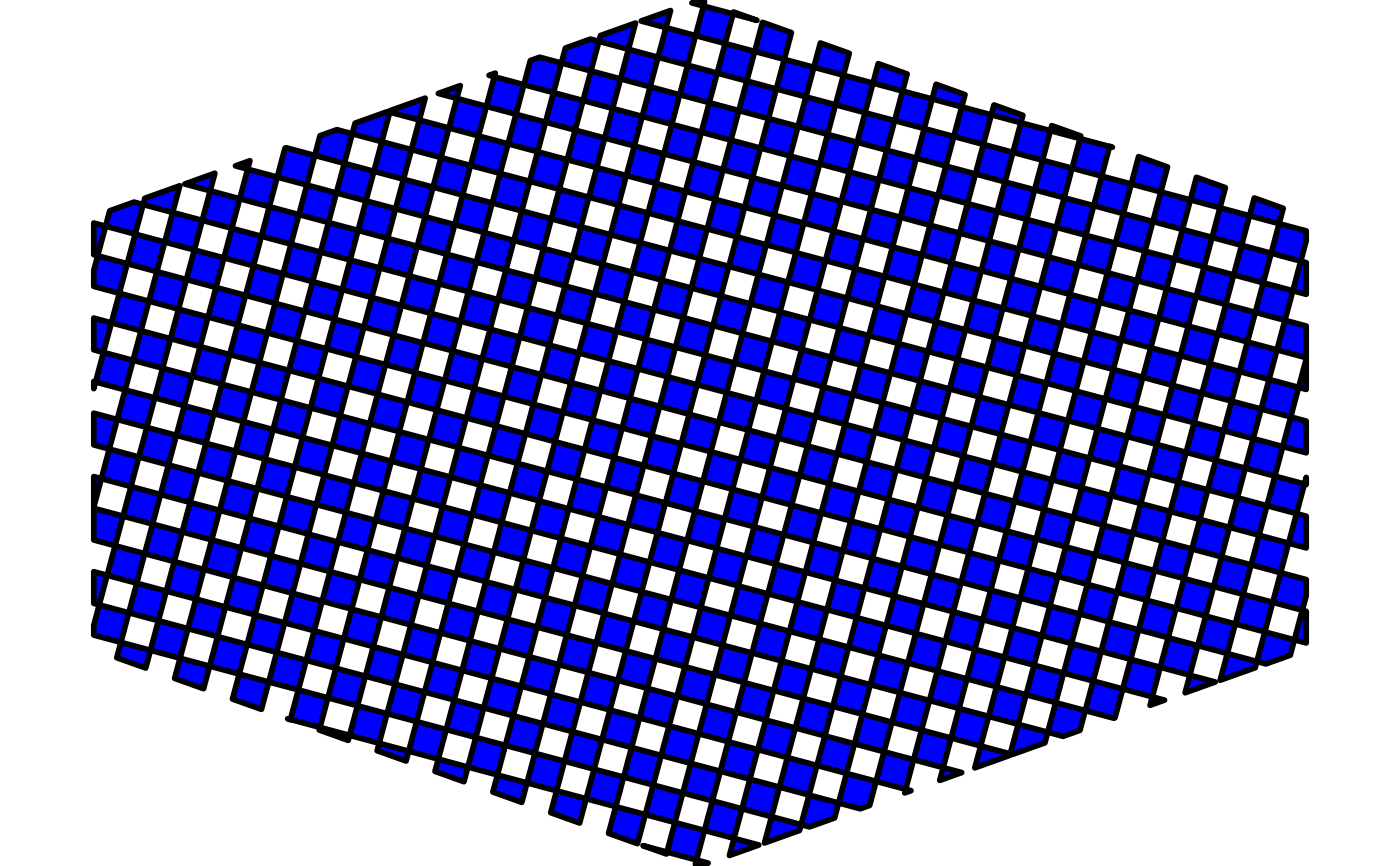
 # checker pattern using the default "convex4" shape
grid::grid.newpage()
grid.pattern_regular_polygon(x_hex, y_hex, density = 1.0,
colour = "black", fill = "blue")
# checker pattern using the default "convex4" shape
grid::grid.newpage()
grid.pattern_regular_polygon(x_hex, y_hex, density = 1.0,
colour = "black", fill = "blue")
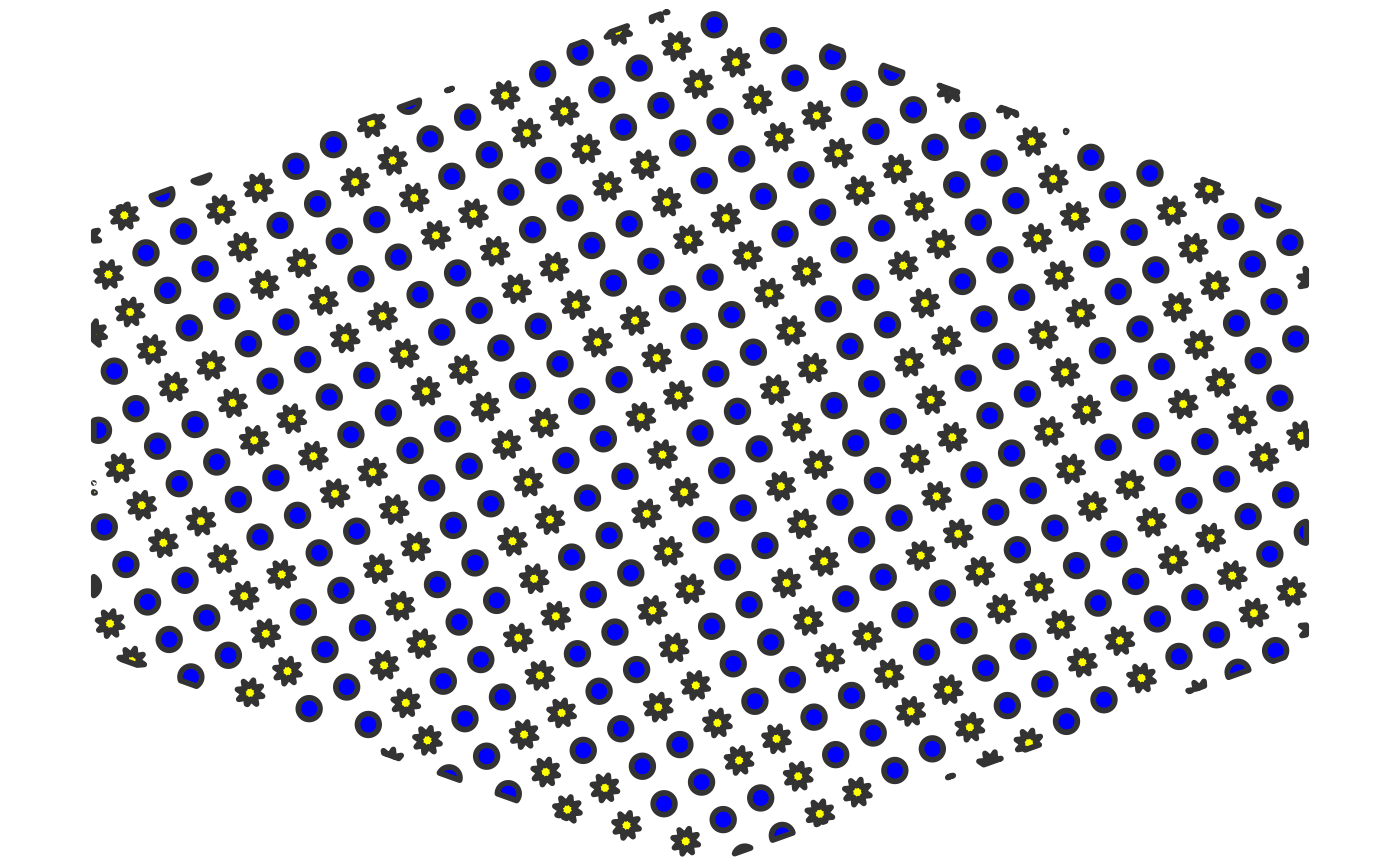
 # using a "twill_zigzag" 'weave' pattern
grid::grid.newpage()
grid.pattern_regular_polygon(x_hex, y_hex, fill = c("blue", "yellow"),
shape = c("circle", "star8"),
density = c(0.5, 0.6), type = "twill_zigzag")
# using a "twill_zigzag" 'weave' pattern
grid::grid.newpage()
grid.pattern_regular_polygon(x_hex, y_hex, fill = c("blue", "yellow"),
shape = c("circle", "star8"),
density = c(0.5, 0.6), type = "twill_zigzag")
 # hexagon tiling
grid::grid.newpage()
grid.pattern_regular_polygon(x_hex, y_hex, color = "transparent",
fill = c("white", "grey", "black"),
density = 1.0, spacing = 0.1,
shape = "convex6", grid = "hex")
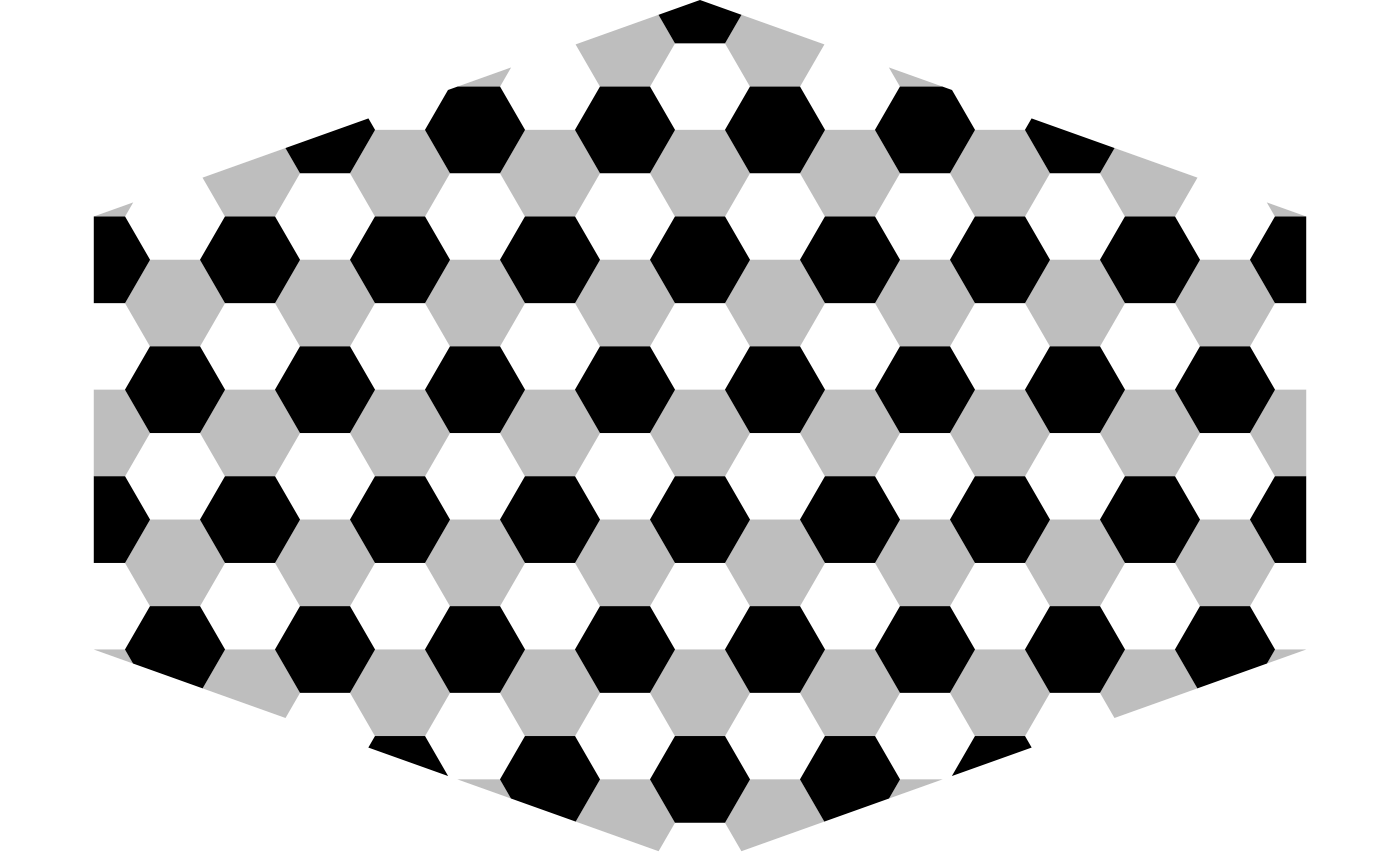
# hexagon tiling
grid::grid.newpage()
grid.pattern_regular_polygon(x_hex, y_hex, color = "transparent",
fill = c("white", "grey", "black"),
density = 1.0, spacing = 0.1,
shape = "convex6", grid = "hex")
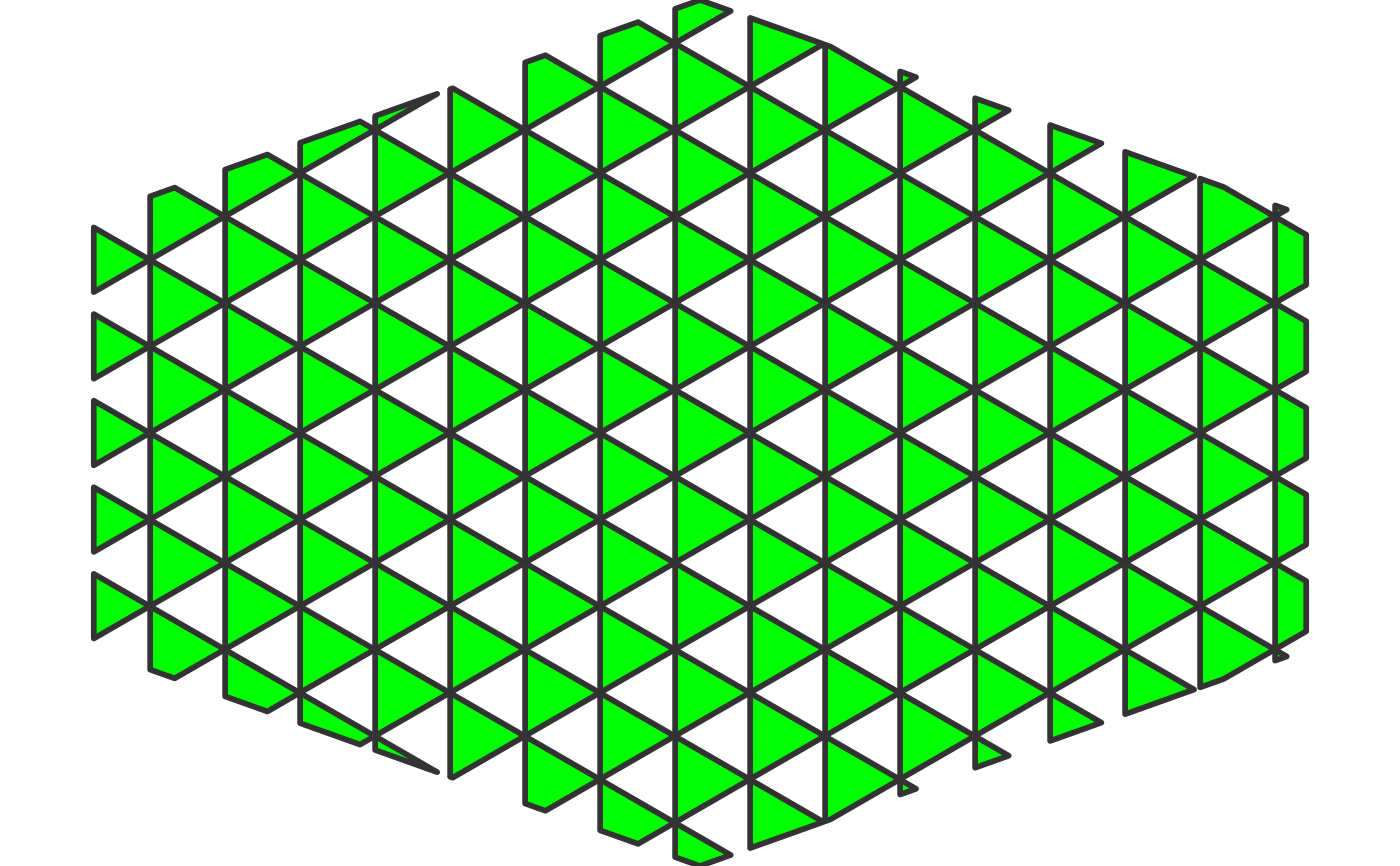
 # triangle tiling
grid::grid.newpage()
grid.pattern_regular_polygon(x_hex, y_hex, fill = "green",
density = 1.0, spacing = 0.1,
shape = "convex3", grid = "hex")
# triangle tiling
grid::grid.newpage()
grid.pattern_regular_polygon(x_hex, y_hex, fill = "green",
density = 1.0, spacing = 0.1,
shape = "convex3", grid = "hex")