Create easily a customized text grob (graphical object). Wrapper around
textGrob.
Usage
text_grob(
  label,
  just = "centre",
  hjust = NULL,
  vjust = NULL,
  rot = 0,
  color = "black",
  face = "plain",
  size = NULL,
  lineheight = NULL,
  family = NULL,
  ...
)
Arguments
- label
A character or expression vector. Other objects are coerced by
as.graphicsAnnot.- just
The justification of the text relative to its (x, y) location. If there are two values, the first value specifies horizontal justification and the second value specifies vertical justification. Possible string values are:
"left","right","centre","center","bottom", and"top". For numeric values, 0 means left (bottom) alignment and 1 means right (top) alignment.- hjust
A numeric vector specifying horizontal justification. If specified, overrides the
justsetting.- vjust
A numeric vector specifying vertical justification. If specified, overrides the
justsetting.- rot
The angle to rotate the text.
- color
text font color.
- face
font face. Allowed values include one of
"plain", "bold", "italic", "bold.italic".- size
font size (e.g.: size = 12)
- lineheight
line height (e.g.: lineheight = 2).
- family
font family.
- ...
other arguments passed to textGrob.
Examples
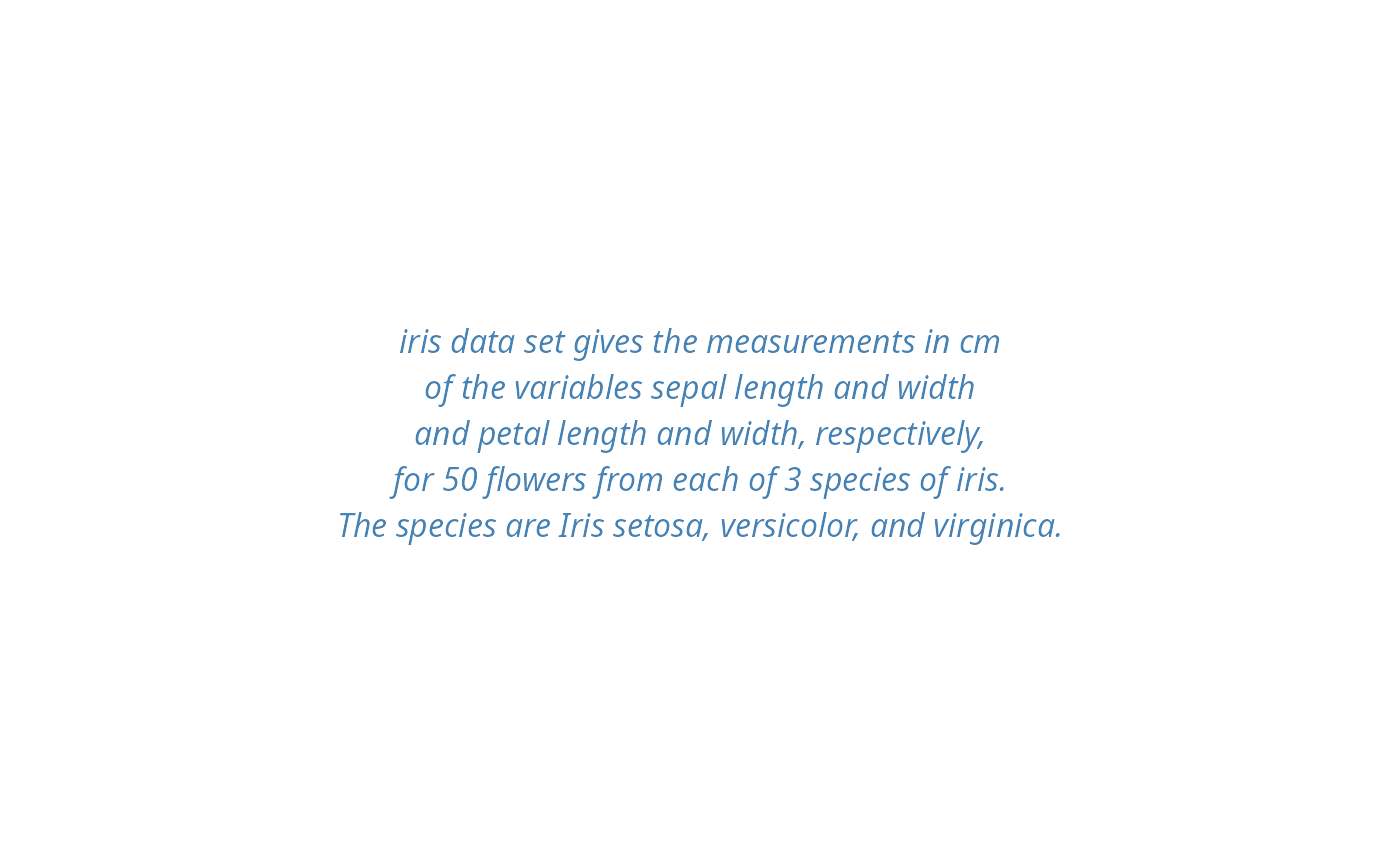
text <- paste("iris data set gives the measurements in cm",
             "of the variables sepal length and width",
             "and petal length and width, respectively,",
             "for 50 flowers from each of 3 species of iris.",
             "The species are Iris setosa, versicolor, and virginica.", sep = "\n")

# Create a text grob
tgrob <- text_grob(text, face = "italic", color = "steelblue")
# Draw the text
as_ggplot(tgrob)